
10 Ways To Organize Your Desk For Productivity
- Updated on: January 31, 2025
For most people – whether you’re working from home, or work in an open-office environment – a cluttered workspace simply won’t do! Instead, opt for an organized work desk, since it not only keeps your things in place, but also keeps you motivated to keep working. As a result, you’ll have less stress in production, and focus on what’s important.
With that said, here are ten ways to better organize your work desk for maximum productivity, and nailing business!
Before We Begin…
It’s important to note that as we show you these ways, keep in mind the Productivity Formula, which is:
Physical health + workload optimization + productive environment + the right tools = Ultimate Productivity
Therefore, as we break down ten of the possible ways that you – the remote worker, or the open office worker – can be more productive, you’ll better understand the Productivity Formula, and be able to tailor these useful habits to master the formula.
1. Clear Your Space. Period.

Source: Unsplash
“The best way to get started on organizing your workspace is to clear your space,” says Isabelle Collee, a business writer at Australia 2 write and Writemyx. “That means purging your office of trash, unnecessary items, and distractions. And, put back only the things you need for your work. Don’t keep something ‘just in case’; if you don’t need it, you don’t need it.”
2. Organize!

Source: Unsplash
Now, this one is self-explanatory.
First, there is an office drawer organizer for anything and everything: post-it-notes, business cards, pens and pencils, paperclips, batteries, flash drives, etc. Besides the writing utensils, you’ll need to make room for compartments for your computer and or monitor, any desk trays, and any other desk organizers.
Just remember that personal things should be kept to a minimum, so that there are little to no distractions as you work.
3. Arrange Computer Desktop

Source: Unsplash
As you move on to your computer setup, make sure that it’s up to par with your work. In other words, you don’t want to have your desktop be littered with an unsorted array of folders, files and images on the screen. Here are simple ways to clear things up:
- Spend at least eight minutes a day sorting files into designated folders.
- Delete unnecessary files from your desktop.
- Clean up your bookmarks.
- Empty the trash bin.
4. Tackle Cords

Source: Unsplash
Plugs, cords, and wires can be tedious, especially when you’re tasked in untangling them. In fact, untangling wires can take away from your work.
Instead, try bundling those pesky strands with cable ties. You can group your cords together with binder clips, or buy a cable holder and attach it to your desk. You can even go a step further by labelling your plugs with colored tapes to avoid any confusion with what’s what.
5. Reconsider Your Grouping Technique

Source: Unsplash
As you take to grouping, make sure you know what you’re doing. Chances are, your normal grouping technique may be growing obsolete; or, you forget your technique all together.
Therefore, it’s important to rethink your strategy, if your current organizing technique has lost its way.
My favorite grouping techniques that boost my mood are organizing my stationery and folders by the color spectrum and grouping my books by chronological order.
6. Personalization Matters

Source: Unsplash
Although, as mentioned before, you should keep personal things to a minimum, there’s nothing wrong with adding a personal “touch” to your workspace. Try one or two vacation mementos or figurines, or a special plant, or a simple but amazing coffee cup to brighten up your space. Adding a few personal touches can make your workspace livelier, but do so to a certain extent.
7. Take Comfort

Source: Unsplash
“Comfort” in a workspace can be one (or some) of the following:
- Having a comfortable computer chair
- Wearing indoor shoes or slippers to better accommodate your feet
- Using natural lighting whenever possible (a good source of vitamin D and dopamine, and improves eyesight)
- Creating a playlist of your favorite songs to play in the background – this one on Spotify is my go-to playlist! It’s the perfect length for my quick sweep of the entire house.
Just as long as these things aren’t distracting, then it’s good to be comfortable in your workspace.
8. Have A To-Do List (Or, Calendar Or Planner)
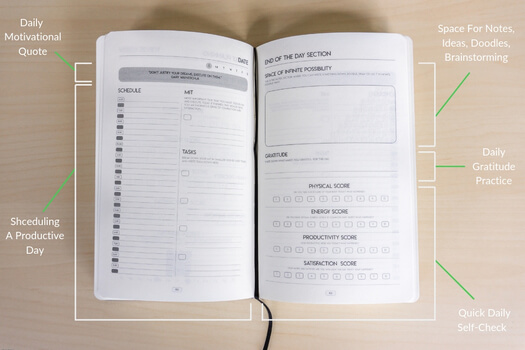
While not everything can go digital, there’s nothing wrong with going to the bare necessities. In other words, you need a to-do list to get through your work. Or, you can invest in a calendar or planner, so that you can keep track of lists, deadlines, reminders, etc. Either way, make sure that you have this useful tool close at hand.
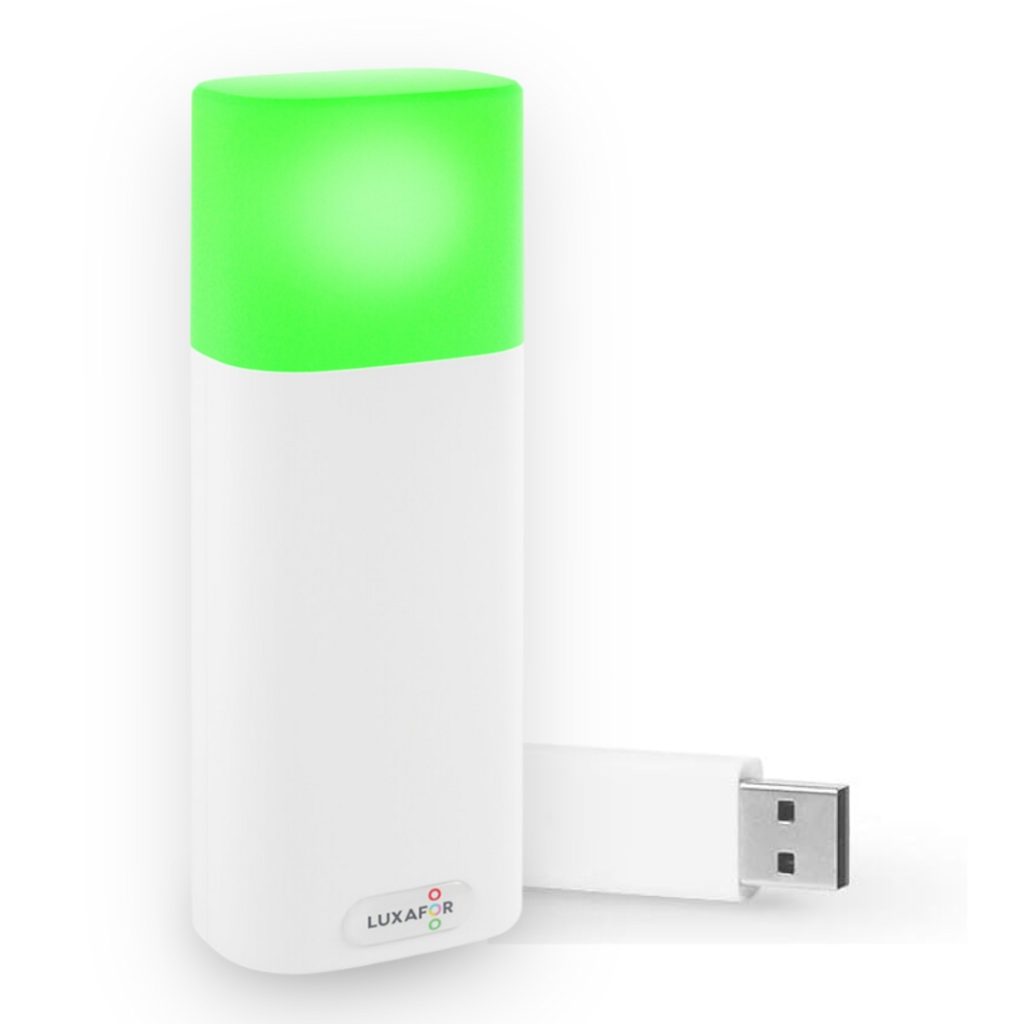
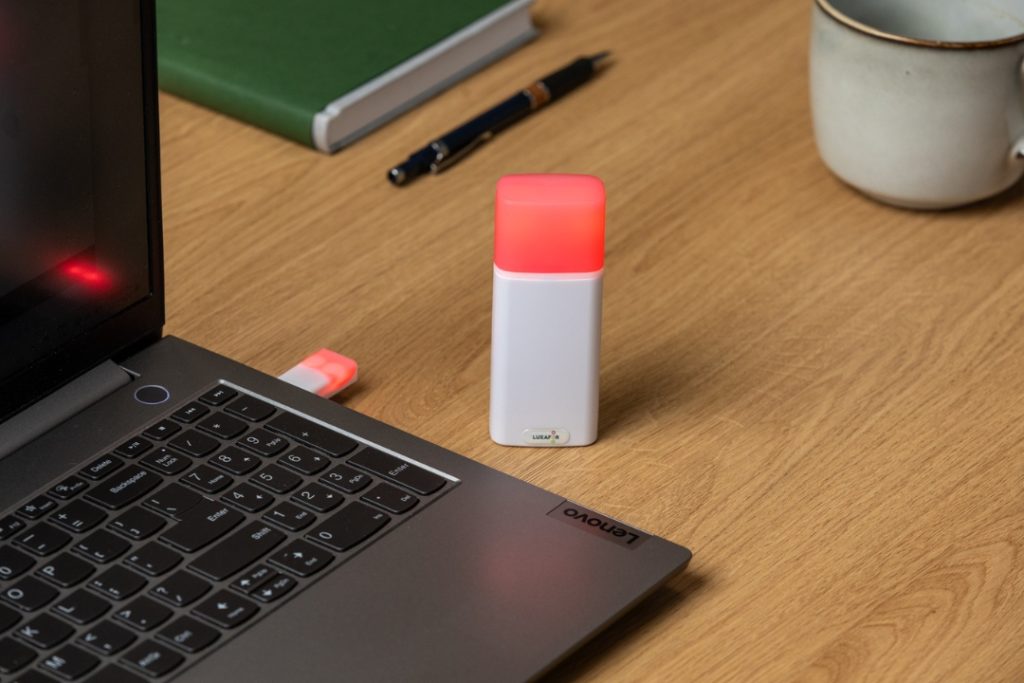
Also, be sure to check out the productivity toolkit by Luxafor that will allow tobetter improve your workflow with innovative productivityty solutions, and make your next business venture successful. The Office Hero Planner is a must for those who want to prioritize tasks and reclaim control over their lives. At just $9.90 it’s an absolute steal. Stop making excuses and make smart decisions.
9. Take Advantage Of Space

Source: Unsplash
“If you’re running out of desk room, then it’s time for more space,” says Caitlin Hurst, a marketing blogger at Brit student and Next coursework. “One good way to have more space in your workspace is to have some kind of under-desk basket, which gives you a place for all your digital accessories, rather than have them take up space.”
Here are some ways to utilize other parts of the room without taking up space:
- Place a pen holder on a vacant windowsill.
- Place a favorite picture on an empty shelf.
- Hang a neat shelf or a memo pin cork board for your favorite photos or weekly planner sheets on an unclaimed open space on the wall.
10. Sanitize When Finished

Source: Unsplash
Although it’s not necessary to deep clean your workspace every single day, you should still keep a sufficient cleaning schedule. The best thing to do, in this case, is to tidy up your workplace in the last five minutes of your working day. Or, as most remote workers and open-office workers have taken part in, do a 21-day challenge of decluttering your desk daily – ranging from removing used coffee cups, to placing papers back in their place, to sanitizing the top of your desk with a disinfecting wipe.
Conclusion
Whether you use only one of these tips, or all of them, that all depends on personal preference. In other words, you might like doing only a third of these tips; and that’s okay.
However, keep in mind that organizing your workplace is essential to your productivity and efficiency during the day. So, to save time, and reduce distractions and stress, be sure to organize your workspace every so often.
Do you want to build and maintain new habits? Get your free PDF version of the Don't Break The Chain calendar and start today!
Author's Bio
Do you want to build and maintain new habits? Get your free PDF version of the Don't Break The Chain calendar and start today!
Michael Dehoyos writes and edits at PhD Kingdom and Write my personal statement. He also contributes to numerous sites and publications like Research paper help. As a content marketer, he helps companies improve their marketing strategies and concepts.
10 Ways To Organize Your Desk For Productivity
Tags
Archives
- March 2026
- January 2026
- December 2025
- November 2025
- October 2025
- September 2025
- August 2025
- July 2025
- June 2025
- May 2025
- February 2025
- January 2025
- December 2024
- November 2024
- October 2024
- September 2024
- August 2024
- July 2024
- June 2024
- May 2024
- April 2024
- March 2024
- February 2024
- January 2024
- December 2023
- November 2023
- October 2023
- September 2023
- August 2023
- July 2023
- June 2023
- May 2023
- April 2023
- March 2023
- February 2023
- January 2023
- December 2022
- November 2022
- October 2022
- September 2022
- August 2022
- July 2022
- June 2022
- May 2022
- April 2022
- March 2022
- February 2022
- January 2022
- December 2021
- November 2021
- October 2021
- September 2021
- August 2021
- July 2021
- June 2021
- May 2021
- April 2021
- March 2021
- February 2021
- January 2021
- December 2020
- November 2020
- October 2020
- September 2020
- August 2020
- July 2020
- June 2020
- May 2020
- April 2020
- March 2020
- December 2019
- November 2019
- October 2019
- September 2019
- August 2019
- July 2019
- April 2019
- March 2019
- January 2019
- December 2018
- November 2018
- October 2018
- September 2018
- August 2018
- July 2018
- June 2018
- August 2017
- May 2017
- April 2017
- February 2017
- January 2017
- November 2016
- October 2016
- September 2016
- August 2016
- July 2016
- June 2016
- May 2016
- April 2016
- March 2016
- February 2016
- January 2016