
Introducing integration between Luxafor and Firmao via Zapier
- Updated on: August 14, 2024

The productivity in a company is a key to success. Implementing new methods of motivating your employees and eliminating distraction is an innovation that is currently implemented by many companies. Combining that with CRM software, makes the workplace efficient. In this article we’ll show you how to integrate Firmao CRM with Luxafor’s devices using Zapier and how it can be beneficial for your company.
Firmao is a Polish CRM / WMS process automation software available in the cloud. It has been sold in Poland and foreign markets for 13 years. Dedicated to small and medium-sized companies, and thanks to its modular design, it provides a unique ability to quickly and easily adapt to the specific needs of any company. Firmao can be easily integrated with more than 1,000 external IT systems. Firmao is a European alternative to American systems such as Salesforce, HubSpot, Indian Zoho, and Russian Bitrix24. For businesses looking to understand how Salesforce ETL works to streamline data, exploring integrations like these can offer new insights
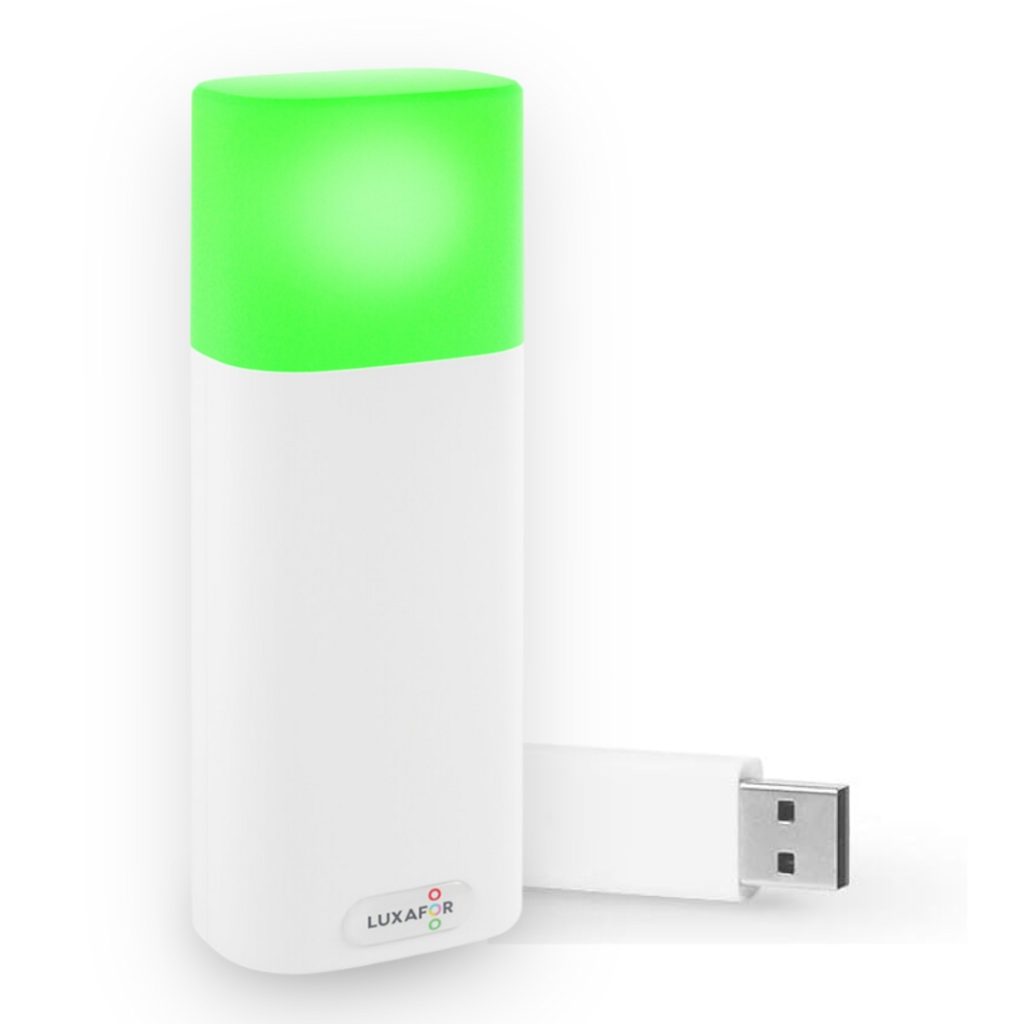
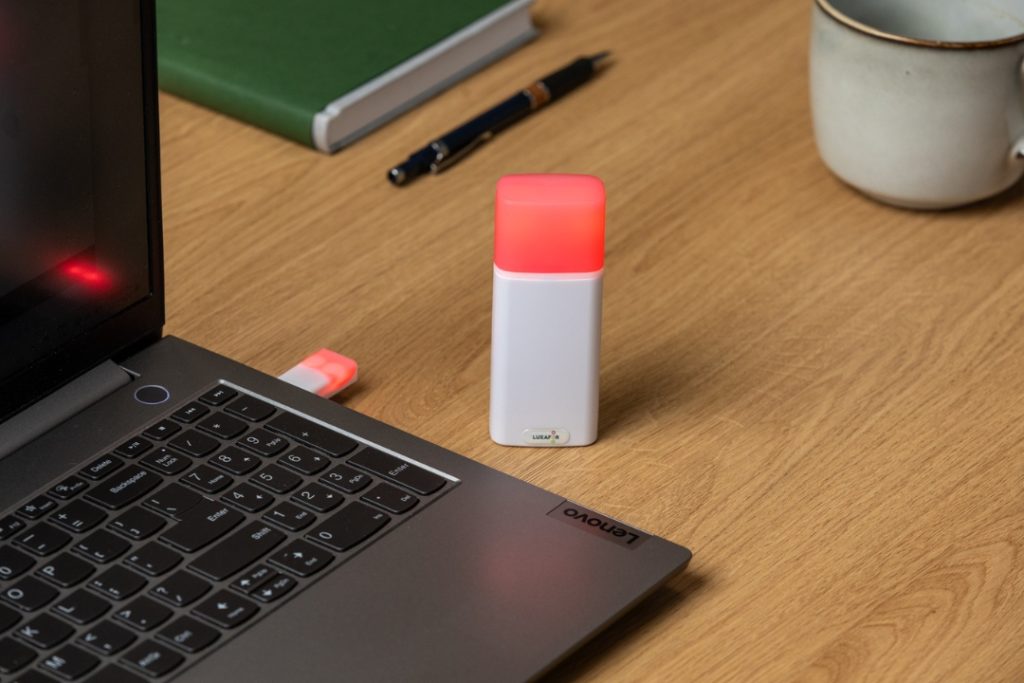
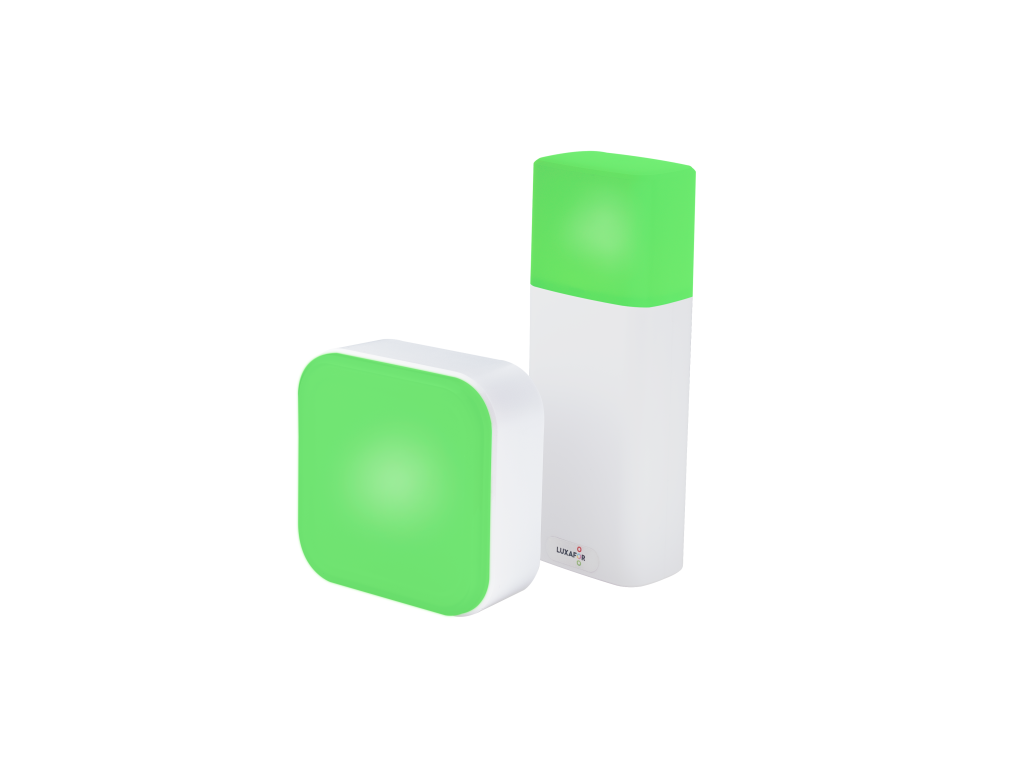
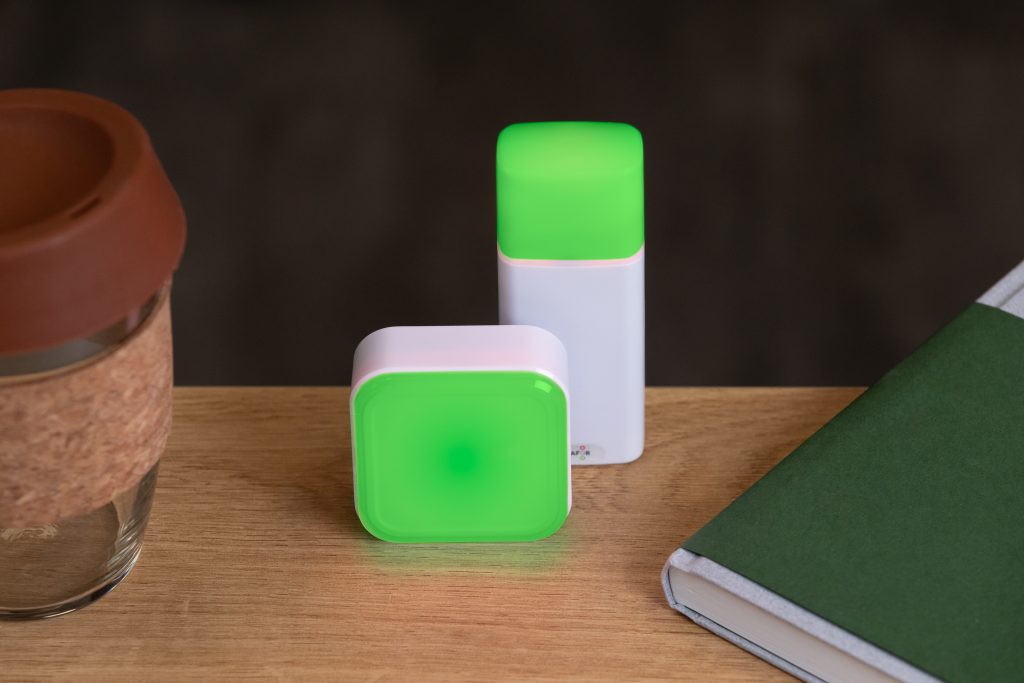
Zapier is a platform that allows you to integrate different applications, tools and automate your work. The integration between Zapier, Firmao and Luxafor allows for the automatic transfer of data between these platforms. When you create a Task in Firmao, the preconfigured light will illuminate, signaling to your employees that they have to pay attention to the new challenge. This allows you to increase productivity in the office and eliminate the interruptions.

How to create working Zap:
We will show you how to create a working Zap with Firmao as a Trigger and Luxafor as an Action – of course you can test it yourself and do other interesting Zaps using those softwares together – many opportunities await!
1. Choose a trigger Firmao – this will be the factor that will trigger automation, ex. a New Task.

2. Configure the first step.


3. Test the performance of Zap.

4. Configure second stage – Select Luxafor and choose what action the trigger should activate, ex. New Task will be created in Firmao.

5. Configure the first step. Select which color you want your device to illuminate.


6. Test the performance of Zap.

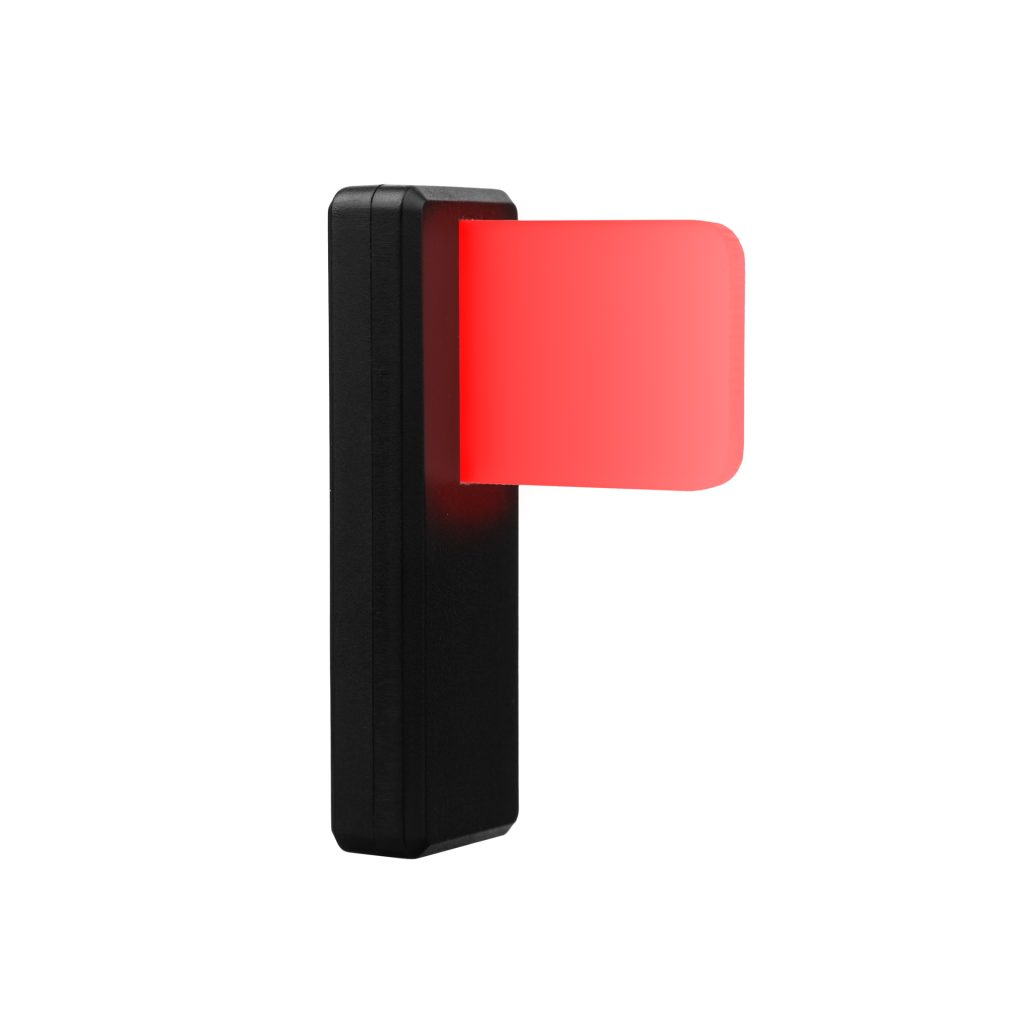
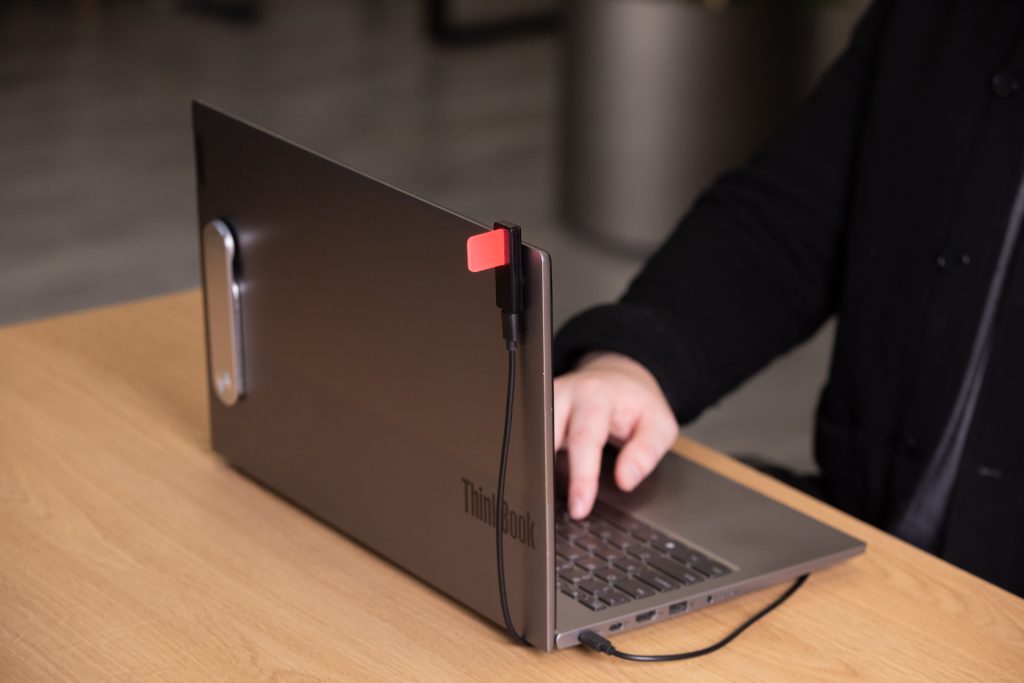
7. The automation is ready! As a result, when a New Task is created, the Luxafor device, ex. Luxafor Flag, will illuminate, to show your employees a new task.

Preparing the whole Zap took less than 5 minutes. Of course there is more than one way to create the Zap. Test it yourself to find the perfect connection between our softwares.
How can you benefit from using Firmao CRM with Luxafor?
Luxafor’s innovative devices combined with the power of CRM Firmao will make the office a more efficient space. For businesses seeking tailored solutions, partnering with a custom CRM development company can enhance productivity and ensure the CRM system is perfectly aligned with specific business needs. The devices can be customized for the many events that may occur in your company and it will be triggered by pre-customized events in Firmao:
- Your sales team will receive notifications every time a new customer is added to the CRM. Responsiveness is key, so the light will come on to get your employees’ attention. What’s more, each time a new deal is added, attention-grabbing elements can also be triggered to show new opportunities for the sales team.
- Every time a new task is created, the light will come on to show employees the new challenge they are facing. This will not only increase productivity, but also eliminate the time it takes to see it.
- Each time a new invoice is created, it can notify managers that a new transaction has been completed. This will motivate employees to close transactions faster, and managers will see feedback on their work.
As you can see, combining CRM with innovative notification methods is a modern solution for businesses. It is important for a company to be a well-organized organization. From the point of view of improving productivity in the company, you can’t start doing things outside the organization before you organize the work inside the company.
To conclude
Employee productivity will benefit other activities, which will increase overall revenue. A well-organized marketing department will perform better than just a new Social Media strategy. Employees are the key to success in this regard, so improving the overall efficiency of their work will bring huge benefits in any industry. That’s the first step you should take in improving the company. Take a close look and find the aspect to improve. These are just a few ways to make your company more productive with these systems. Try them out and customize them to your business needs and you’ll see your revenue grow!
LUXAFOR HELPS PEOPLE TO ACHIEVE THEIR GREATEST PRODUCTIVITY LEVELS WITH A WIDE VARIETY OF OFFICE PRODUCTS. LET’S BE PRODUCTIVE TOGETHER!
Want to structurize your routine and become more productive? Get your free PDF version of 30-60-90 Productuve Day Plan now!
Want to structurize your routine and become more productive? Get your free PDF version of 30-60-90 Productuve Day Plan now!
Introducing integration between Luxafor and Firmao via Zapier
Tags
Archives
- March 2026
- January 2026
- December 2025
- November 2025
- October 2025
- September 2025
- August 2025
- July 2025
- June 2025
- May 2025
- February 2025
- January 2025
- December 2024
- November 2024
- October 2024
- September 2024
- August 2024
- July 2024
- June 2024
- May 2024
- April 2024
- March 2024
- February 2024
- January 2024
- December 2023
- November 2023
- October 2023
- September 2023
- August 2023
- July 2023
- June 2023
- May 2023
- April 2023
- March 2023
- February 2023
- January 2023
- December 2022
- November 2022
- October 2022
- September 2022
- August 2022
- July 2022
- June 2022
- May 2022
- April 2022
- March 2022
- February 2022
- January 2022
- December 2021
- November 2021
- October 2021
- September 2021
- August 2021
- July 2021
- June 2021
- May 2021
- April 2021
- March 2021
- February 2021
- January 2021
- December 2020
- November 2020
- October 2020
- September 2020
- August 2020
- July 2020
- June 2020
- May 2020
- April 2020
- March 2020
- December 2019
- November 2019
- October 2019
- September 2019
- August 2019
- July 2019
- April 2019
- March 2019
- January 2019
- December 2018
- November 2018
- October 2018
- September 2018
- August 2018
- July 2018
- June 2018
- August 2017
- May 2017
- April 2017
- February 2017
- January 2017
- November 2016
- October 2016
- September 2016
- August 2016
- July 2016
- June 2016
- May 2016
- April 2016
- March 2016
- February 2016
- January 2016